Surf films
Get your films seen.
SurfVault connects every surf film to the breaks it was shot at, the surfers in it, and the shapers and brands behind it. The right surfers find it, and every play happens on your YouTube channel.
- YouTubeFilms play from your channel, so the views count there
- Every breakEach film shows up where it was shot
- FreeAdding films uses none of your storage
01. Grow your channel
More eyes on your films, more views on YouTube.
YouTube is where your films live. SurfVault is where surfers go looking for them, by the breaks they surf and the people they follow.
- Films play straight from your YouTube channel, so every view counts there.
- Link and verify your channel once, and every film from it is credited to you automatically.
- Your profile gets a button straight to your channel, so new fans can subscribe.
- Everyone you tag gets notified and the film lands on their profile, in front of their followers too.
02. Everything connected
One film, linked to everything in it.
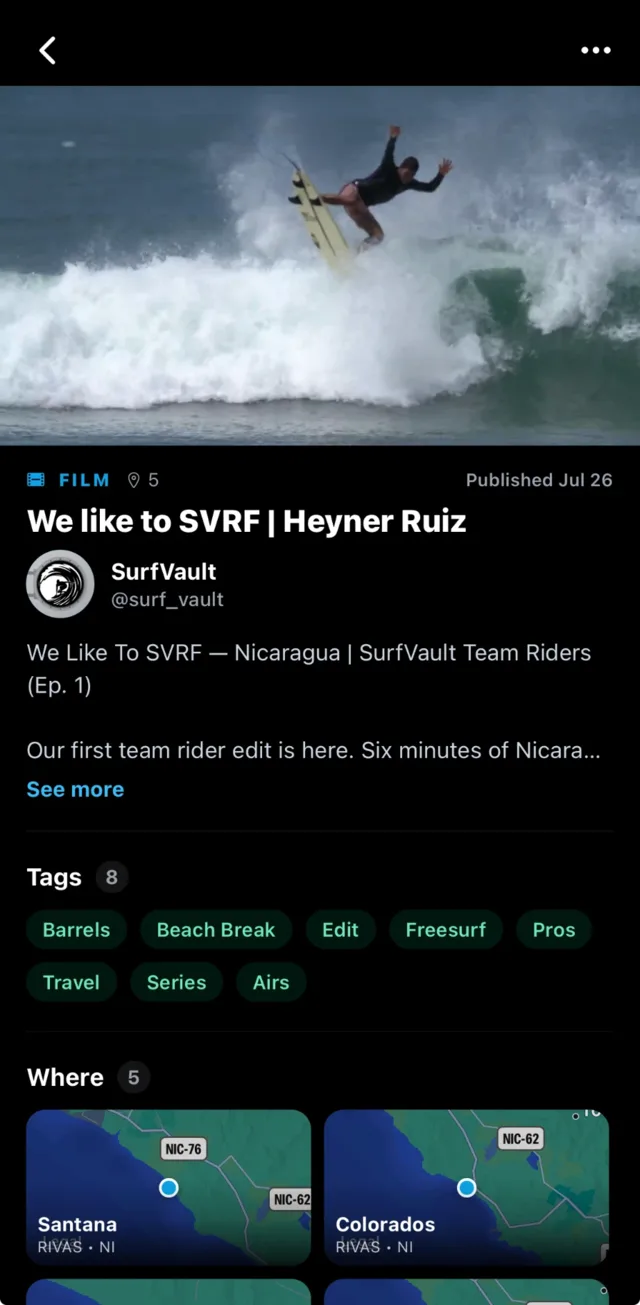
A film on YouTube is a video. On SurfVault it’s connected to the whole lineup, and every connection is another way for surfers to find it.
The breaks
Tag every break a film was shot at, and it shows up on those breaks for the surfers who surf them.
The surfers
Tag the surfers in it. They get notified, confirm, and the film lands on their profile in front of their followers.
The shapers
Tag the shapers whose boards are being ridden, so the film shows up on their profiles for the surfers who follow them.
The sessions
Link the photo sessions from the same days, so a surfer who loves the film can find the stills too.
The brands
Credit the brands behind it, so the film shows up on their profiles alongside their team and boards.
The style
Barrels, airs, travel, longboarding: every film gets tagged by style, so surfers can find more of what they love.
03. Found everywhere
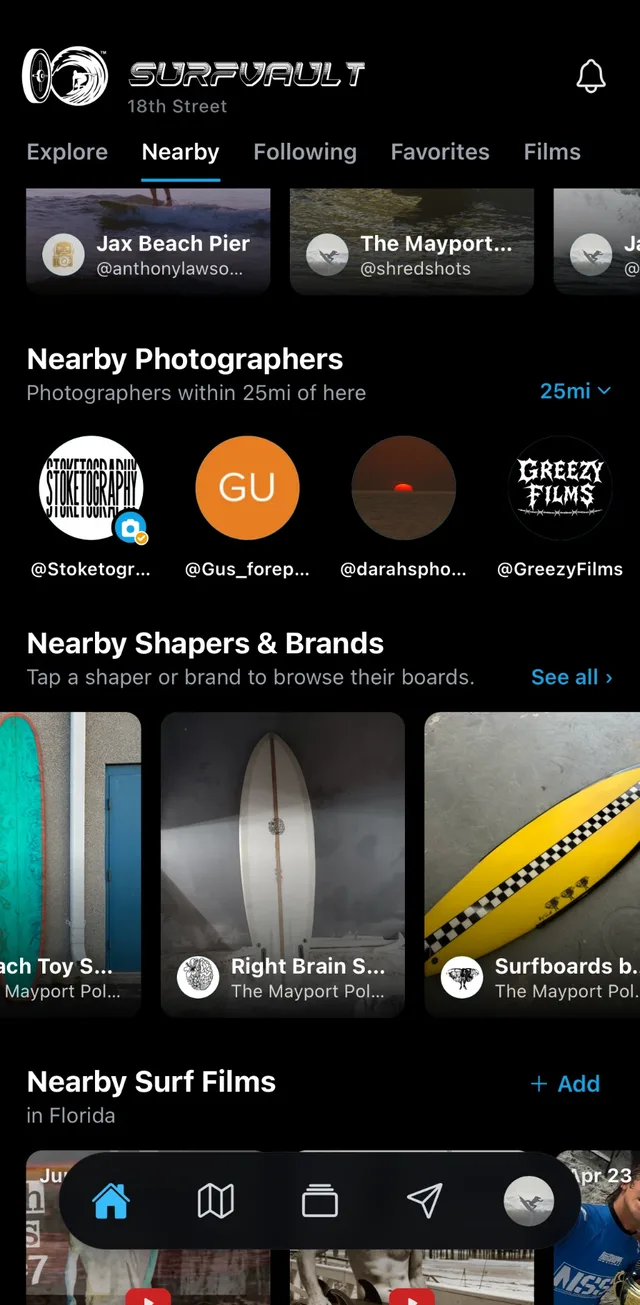
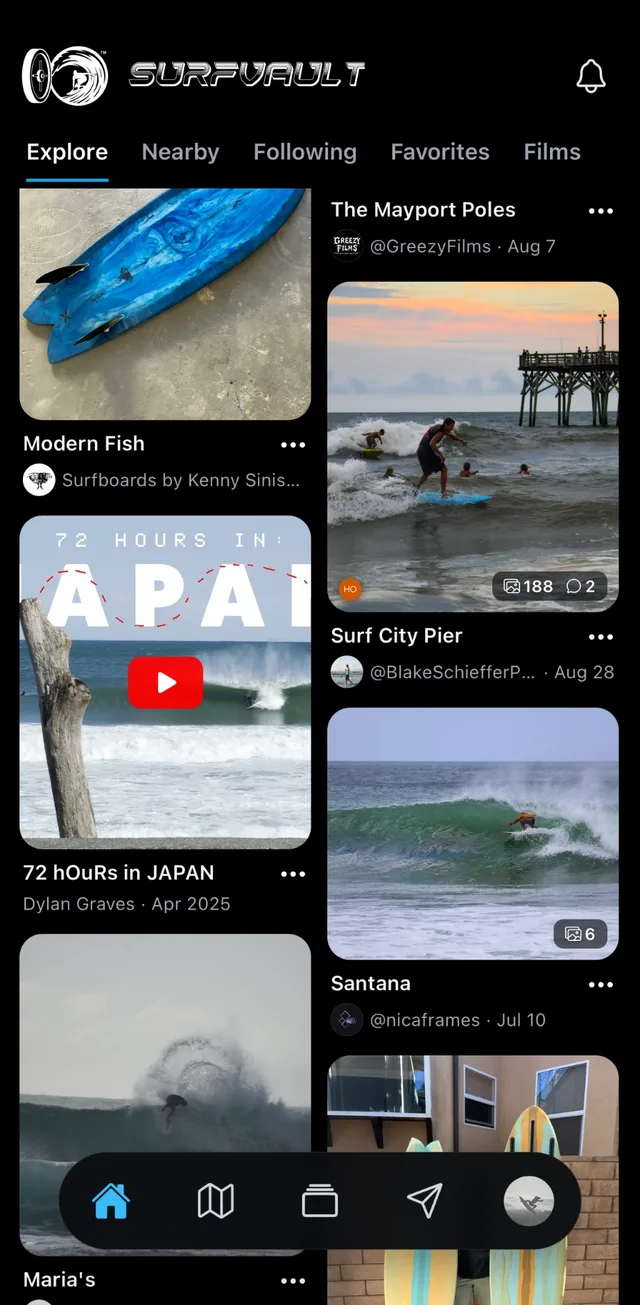
Films show up wherever surfers look.
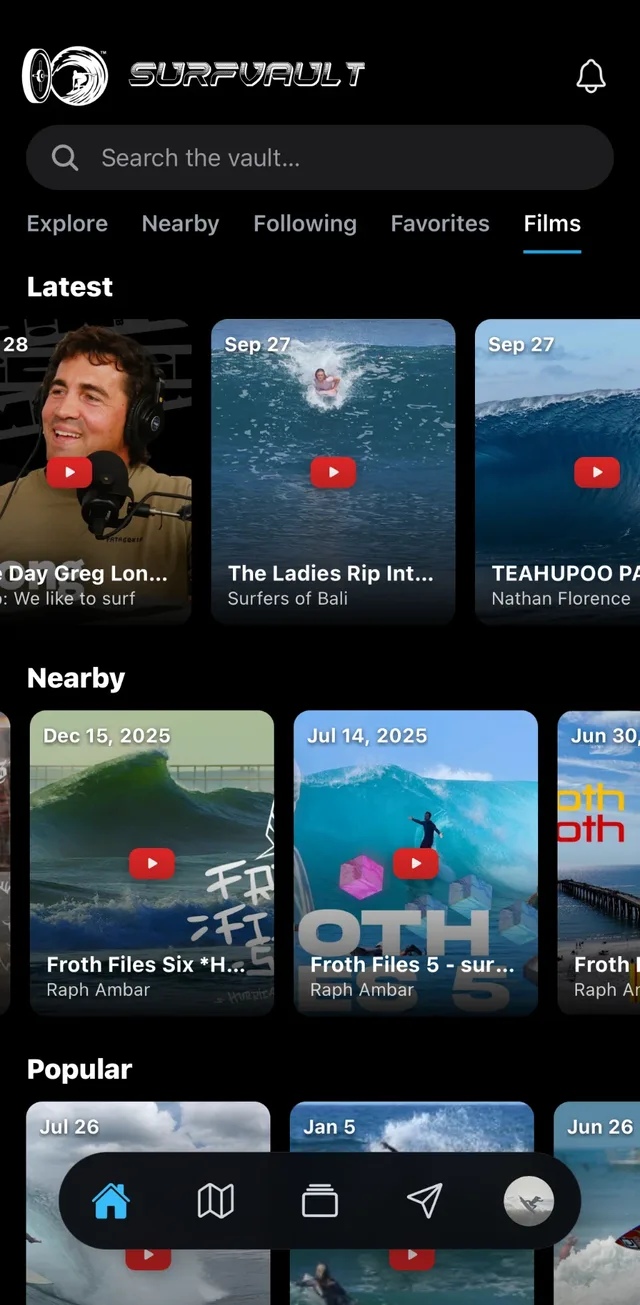
- The Films tab: latest, nearby and popular, plus every style.
- Break pages: a nearby films rail next to the sessions shot there.
- Profiles: on the Films tab of the filmer and everyone credited.
- On This Day: films come back on the date they were shot, year after year.
For everyone in the lineup
Films work for all of SurfVault.
Surfers
Watch the latest films from around the world, find the ones shot at your breaks, and get credited when you’re in one.
Photographers
Link your sessions to the films shot the same day, and get credited when your footage or photos are part of it.
Shapers
When a film features your boards, get tagged in it and it lands on your profile, so a great edit sends surfers your way.
Brands
Post team edits and trip films, get credited as the brand behind films you’re part of, and connect them to your riders and sessions.
Films FAQ
Good to know.
How do I add a film?
In your Library, tap + then Add a film and paste its YouTube link. Then tag the breaks it was shot at, the surfers in it and the sessions from the same days. Any account can add a surf film.
Do I upload my videos to SurfVault?
No. You add a film from its YouTube link. It plays straight from YouTube, so you keep hosting it where you already do and the views count on your channel.
Does it cost anything?
No. Adding and watching films is free, and films don’t use any of your storage.
How do my films get credited to me?
Link your YouTube channel to your profile and verify it with a one-time code in your channel description. Films from your channel are then credited to you automatically, and your profile gets a button straight to your channel.
Someone else added my film. Is that OK?
Yes. Anyone can add a surf film, but once you verify your channel, every film from it is credited to you, whoever added it.
I was tagged in a film. What happens?
You get a notification to confirm. Once you do, the film shows up on your profile. You can hide it from your profile anytime.
How do surfers find my film?
In the Films tab by latest, nearby, popular or style, on the pages of every break it was shot at, on the profiles of everyone tagged in it, and in On This Day when it was filmed on today’s date in a past year.
Put your films in front of the surf world.
Free to add. Every view still counts on YouTube.