
For photographers
Get discovered.
Keep every session in a vault built for surf, and publish the ones you want found. The surfers in your frames are already looking for them, so they find you, follow you, request their shots and pay you direct.
See a real profile- 0%SurfVault's cut. Ever.
- 15 GBFree to start
- On by defaultWatermark on full-size previews
01. Your surf archive
A vault built for surf.
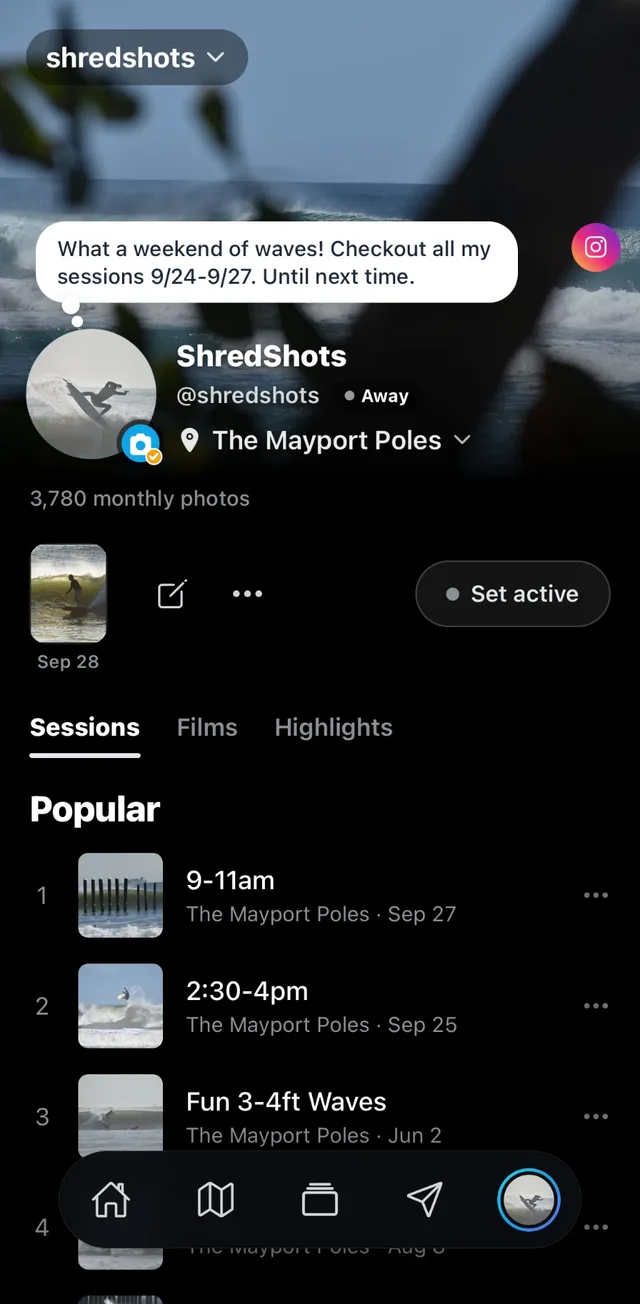
Built by surfers and surf photographers, so every session lands sorted the way you think: by break, by date and by surfer. Keep it all private for as long as you like. Nothing goes public until you publish.
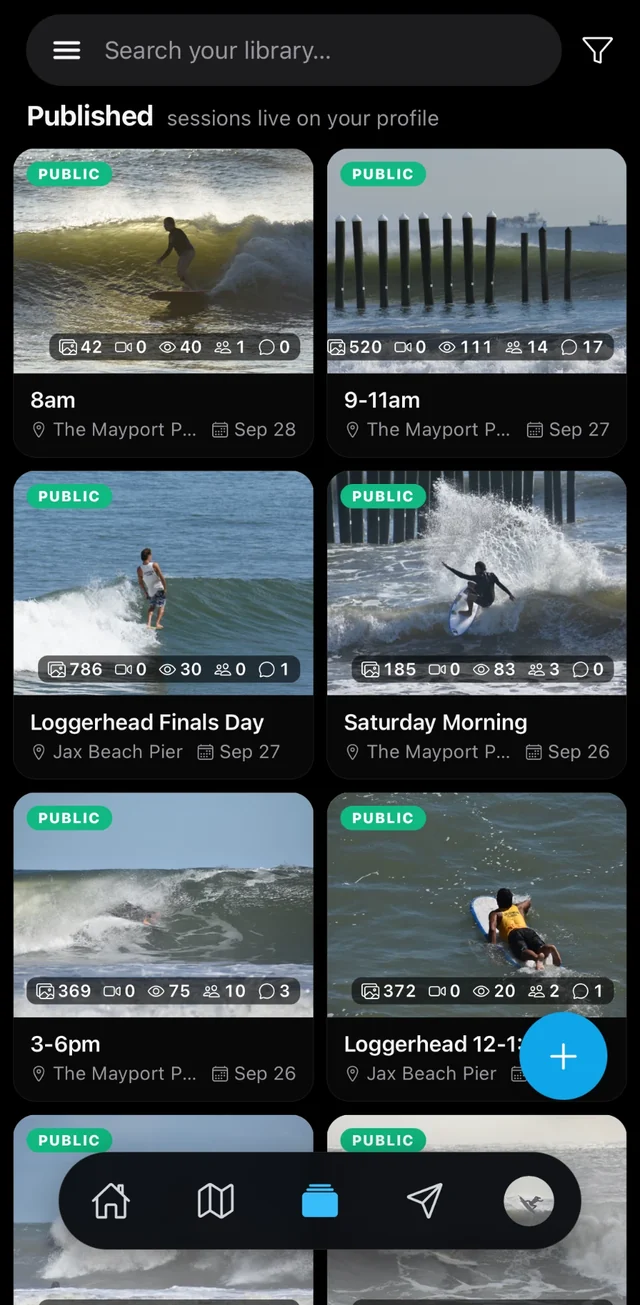
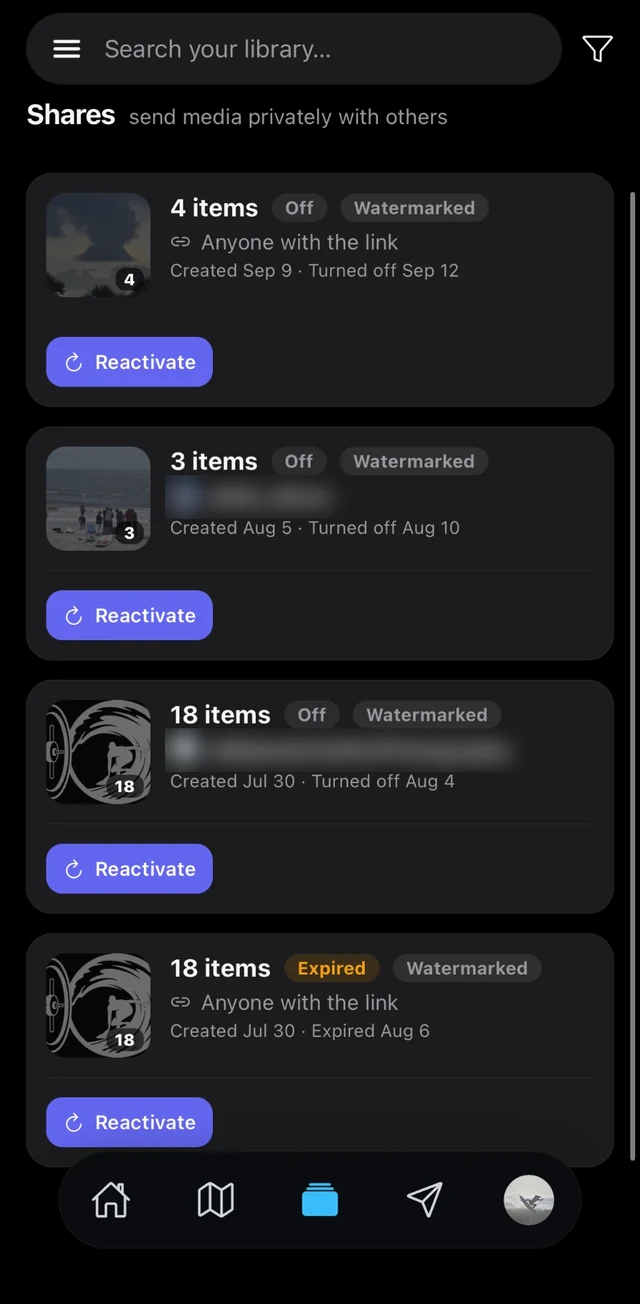
- Private by default: uploads stay in your Library until you publish or share them
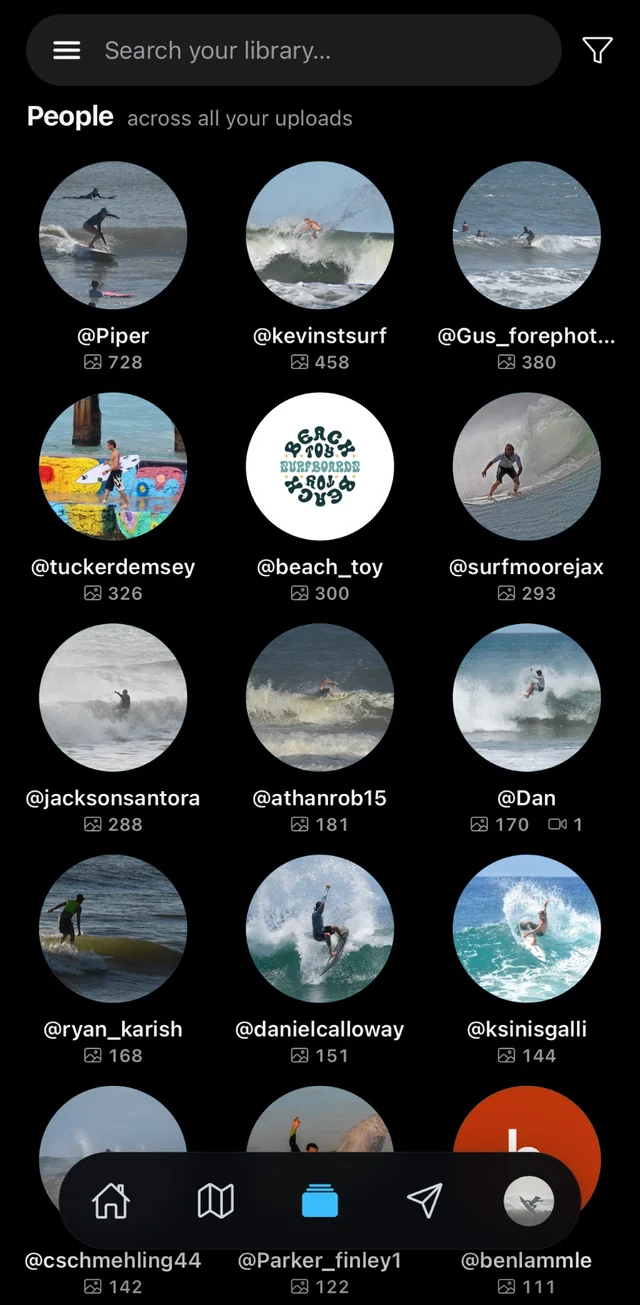
- People: assign photos to a surfer and they're tagged automatically, across every session
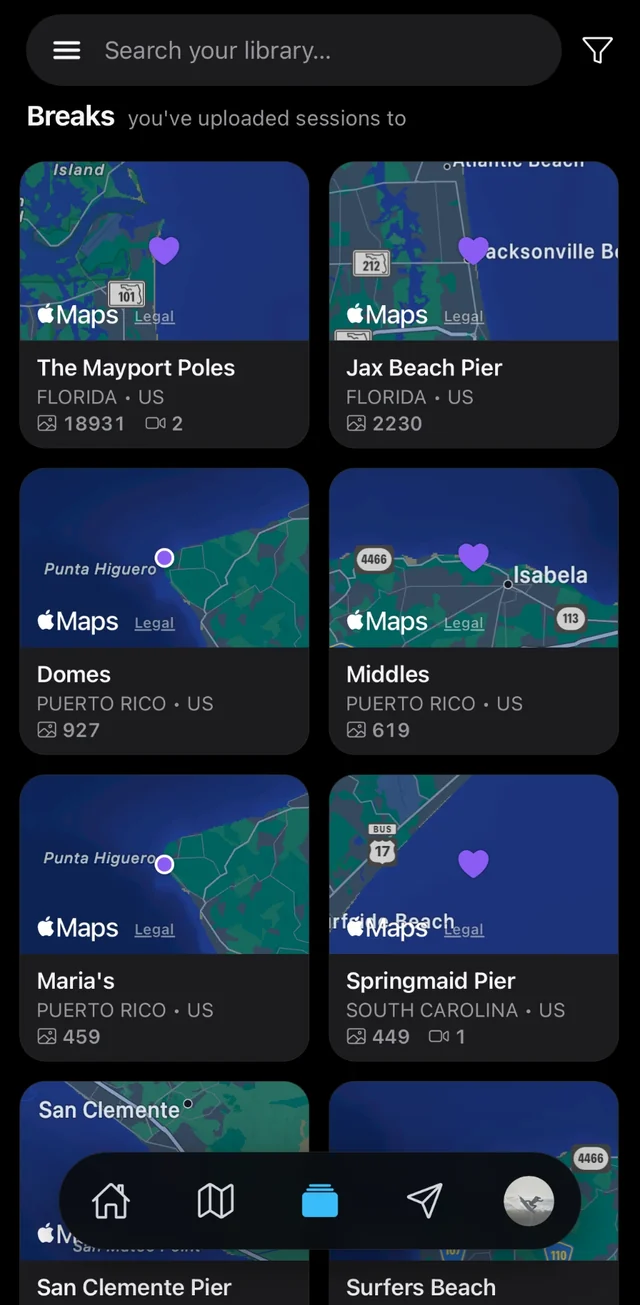
- Breaks: every spot you've shot, with its photo count
- Your originals stay untouched, RAW and HEIC included, with 15 GB free to start
02. Get found
Where surfers already look.
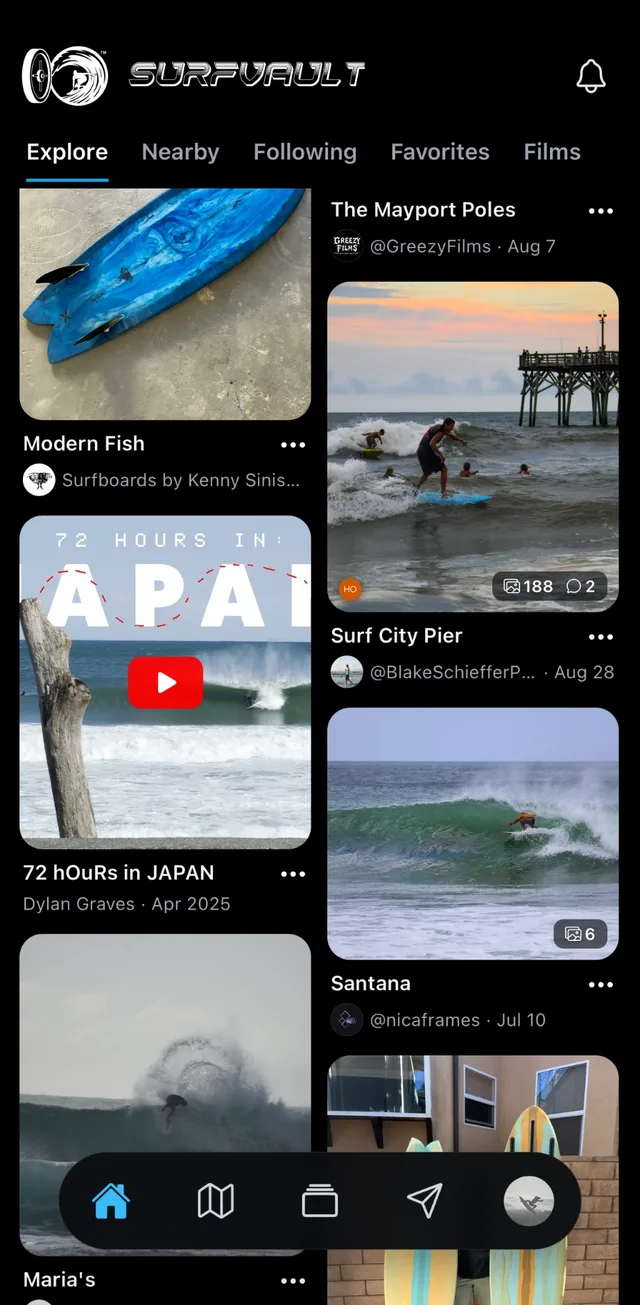
Every session you publish goes to the top of the home feed, then lives on its break page, the map and Explore. Surfers find your work without knowing your name.
- Fresh sessions are pinned to the top of the home feed
- Tags show surfers what just landed: Today, Yesterday, New and Trending
- Followers and surfers who favorite the break get pinged when it goes live
- Old sessions resurface on their anniversary with On This Day
03. Deliver & get paid direct
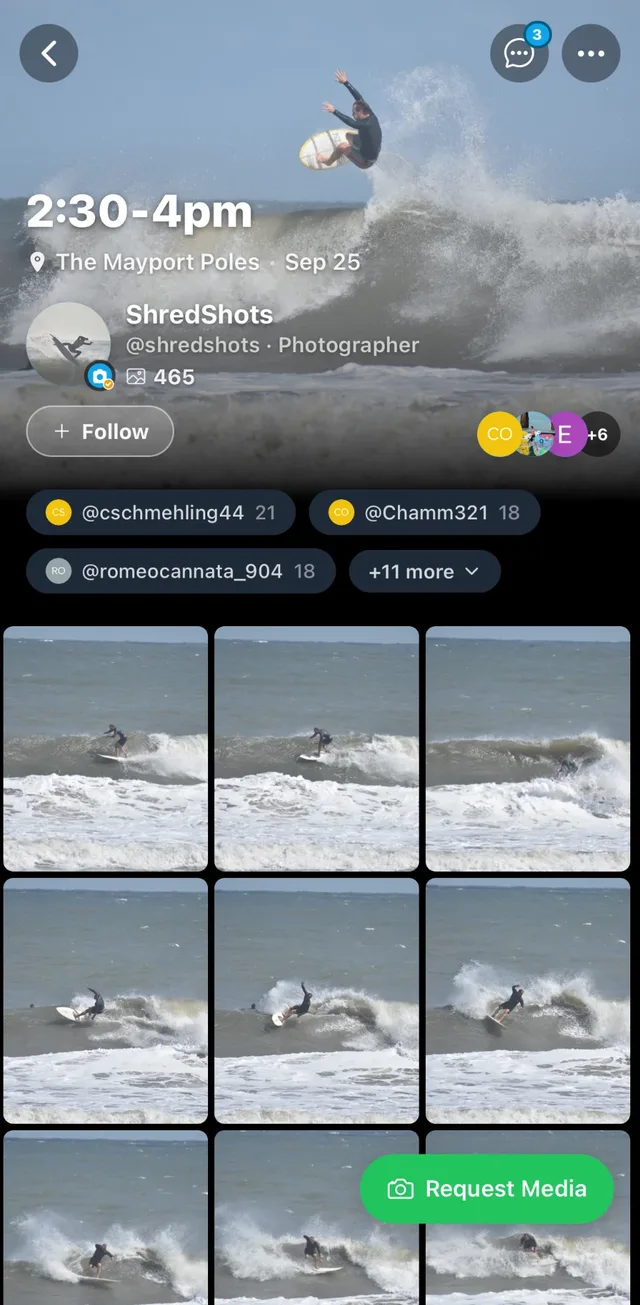
From request to paid, in one thread.
Surfers request their shots from your public galleries, or you send a private share link, with an optional download code. Quote a price in the chat; they pay you straight.
- Venmo, PayPal, Cash App, Zelle or any payment link on your profile
- SurfVault doesn’t process payments and takes 0%
04. Protect your full-size work
Your mark, on the full view.
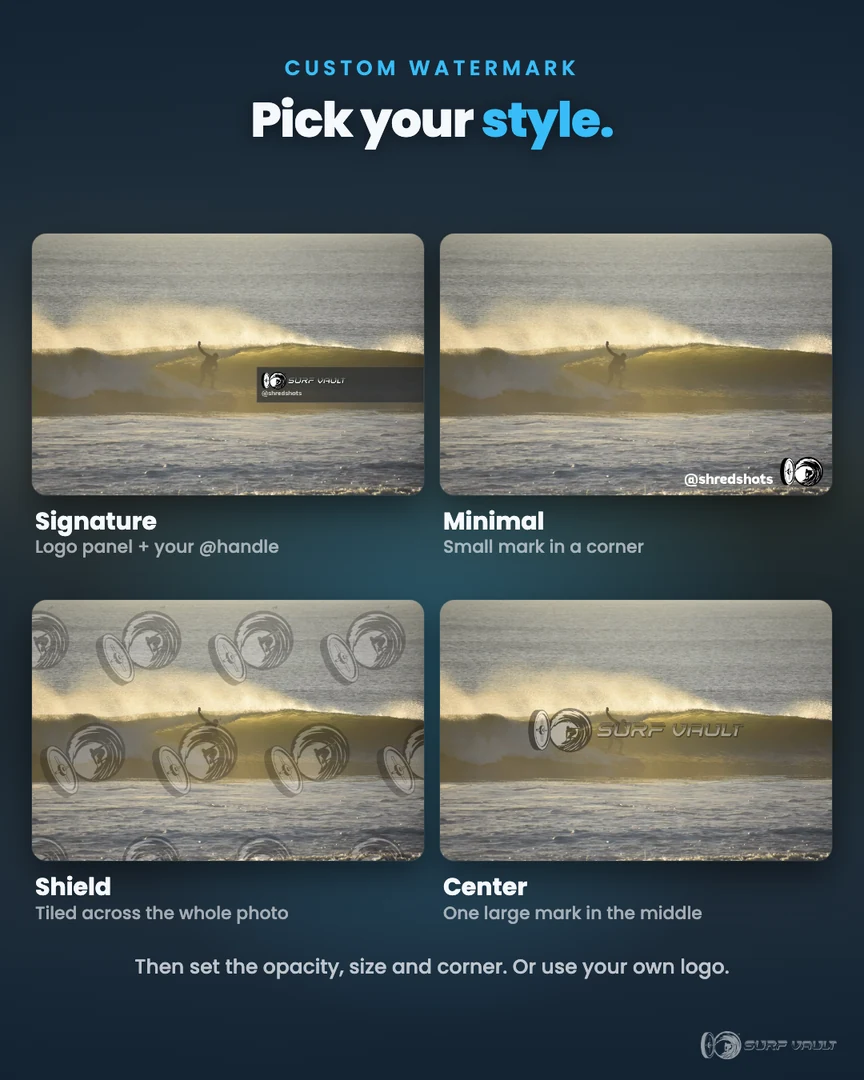
Surfers browse smaller, clean images so they can spot themselves. Open one full screen and it carries your watermark. The full-res original only goes out when you deliver it.
- Four styles: Signature, Minimal, Shield (tiled across the whole frame) and Center
- Set the opacity, size and corner, and show or hide your @handle
- The free SurfVault mark is on by default, or use your own logo on paid plans
05. Sitting on an archive?
Old sessions deserve to be seen.
Shots sitting on a hard drive do nothing. Upload the archive and give every old session a second life, where surfers can find it and the credit stays yours.
- Surfers search old dates at their break and find themselves, years later
- On This Day brings each session back on the day you shot it
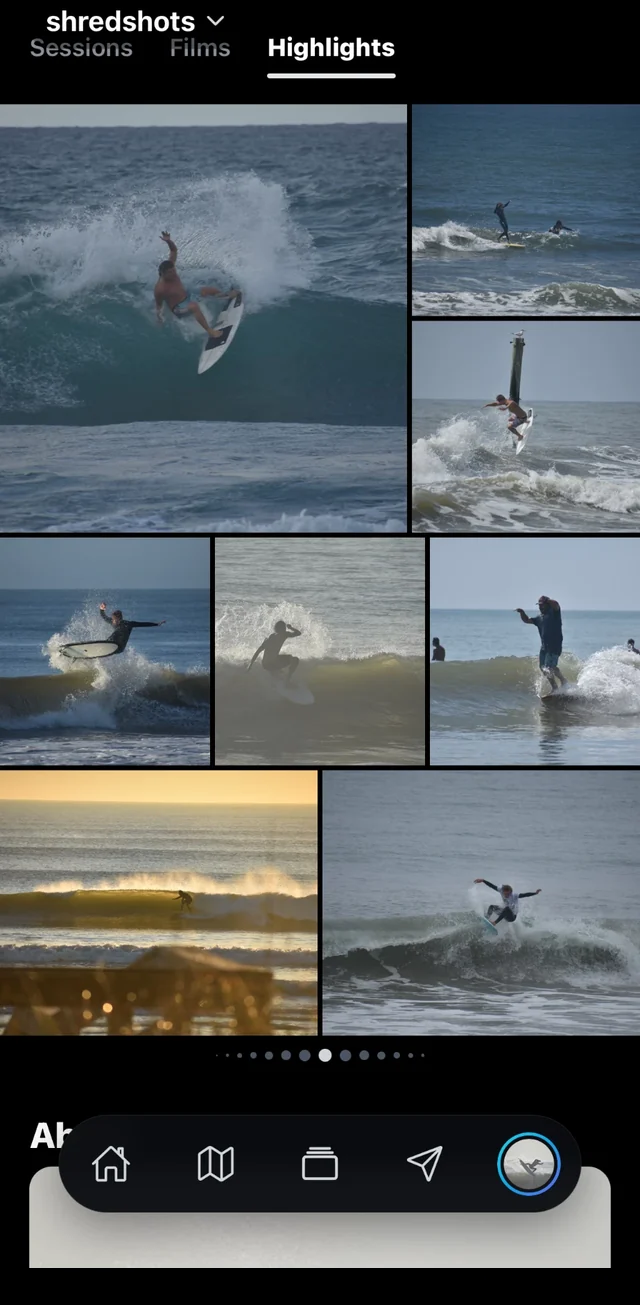
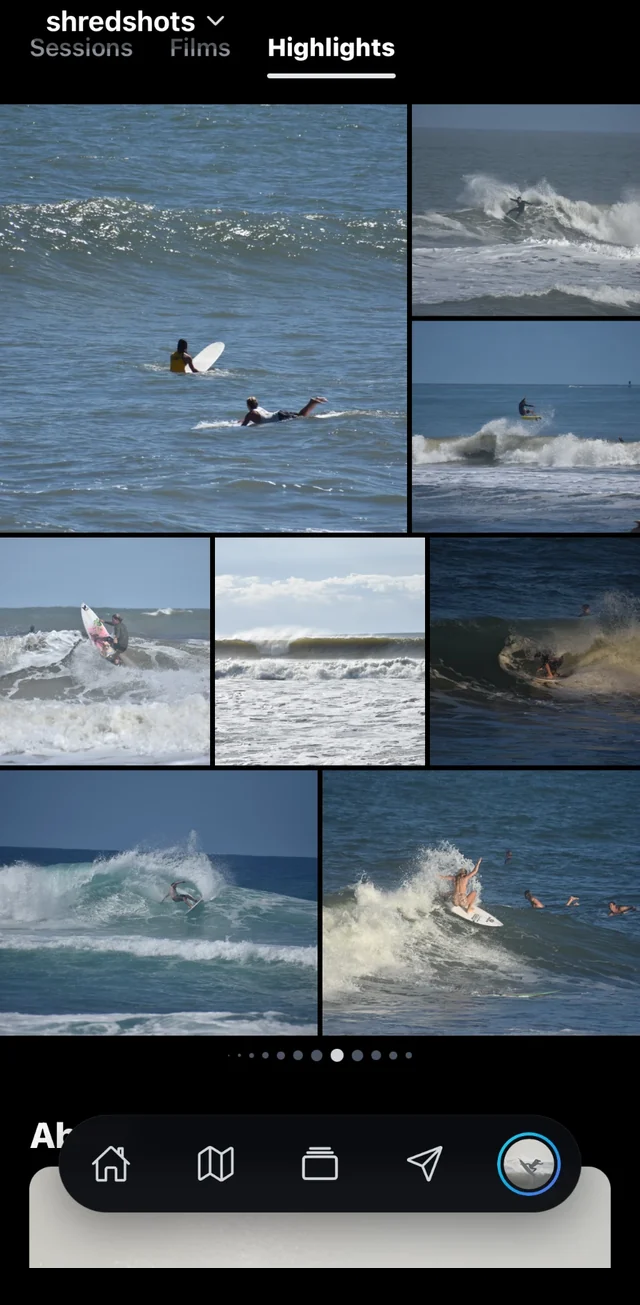
- Highlights showcases your best work on its own tab on your profile
- The SurfVault team loves finding great shots to feature, and the credit always goes to you
Spotlight
Great shots get seen.
We’re always digging through the vault for great sessions to share with the world. Your work could end up on our page, credited to you, well beyond your home lineup (we’ll always ask first).
Free to start, 15 GB included. Paid plans from $4.99/mo when you need more room.
See all plansEverything you upload stays private until you publish or share it. How your photos stay yours
Photographer FAQ
Before you upload.
How do surfers find my work?
Every session you publish lands on its break’s page, the map and Explore, sorted by date. Surfers who favorite that break and everyone who follows you get notified when you post.
Who can see my photos?
Drafts stay private until you publish. Once a session is live, feeds show smaller, clean images so surfers can spot themselves, full-screen views carry your watermark, and your originals stay private until you grant access or send a share link. See how your photos stay yours.
Do I keep the rights to my photos?
Always. Your work stays yours, and we ask before featuring it outside SurfVault, like in our films or social posts.
How do surfers pay me?
Directly, through the payment methods on your profile (Venmo, PayPal, Cash App, Zelle or any payment link) or a link you send in chat. SurfVault doesn’t process payments and takes 0%.
Can I send photos to a client privately?
Yes. Send a private share link instead of publishing, and the photos only go to the people you choose.
Can I use my own watermark?
Every account gets the SurfVault watermark free, on by default. Paid plans let you swap in your own logo, and you can turn watermarks off anytime. Try the styles.
Can I upload my old archive?
Yes. Upload years of sessions at once from your computer or phone. Each one is filed by break and date, so surfers can still find their waves from back then.
Can I upload RAW files?
Yes. Originals upload as-is (RAW and HEIC included), and SurfVault makes the previews viewers see.
Can my sessions be linked to a surf film?
Yes. Link your sessions to films shot the same day, so surfers who love the film find your photos, and get credited when your work is part of it. Learn more about films.
What does it cost?
It’s free to start with 15 GB of storage. Paid plans start at $4.99/mo when you need more room. You pay for storage, never a cut of your sales.
Put your work in front of the surf industry.
Free to start. Upgrade only when you need more room.